intent page cite-ready schema-parity Query: categorize freelance expenses · spreadsheet · Updated 2026-10-28
How to categorize freelance expenses in a spreadsheet
If you freelance, receipts usually land in one pile — bank export, photo folder, or a single “misc” column. Category + business-use % turns that pile into a month you can actually hand to yourself (or later an accountant): what you spent, what looks deductible, and which line is eating cash.
This page is the complete one-month method. At the end you can download a free working .xlsx sample. Not tax, legal, or accounting advice.
Download free Expense Category .xlsx ($0) Open sample repo
What “categorize” means for a solo freelancer
Answer: Assign every business spend to one editable Schedule C–style label and a business-use %, then sum spent and deductible by category for the month.
You are not recreating a CPA firm. You need three facts per row:
| Fact | Why |
|---|---|
| Category | Matches how you (or your preparer) will group the year — advertising, supplies, phone, meals… |
| Amount | Full receipt, not “about $40” |
| Business-use % | Phone / internet / meals are rarely 100%; deductible = amount × % |
Minimum columns (do not skip)
Answer: Date, vendor, description, category, amount, business-use %, deductible (formula), plus year/month helpers for rollups.
| Column | Why |
|---|---|
| Date | Month filters and audit trail |
| Vendor | Match bank lines later |
| Description | What the spend was for in plain words |
| Category | Pick from an editable list (Schedule C–style labels) |
| Amount | Full spend before % |
| Business-use % | 0–100; drives deductible |
| Deductible | Amount × % (formula — do not hard-type) |
Monthly 15-minute ritual
Answer: Once a month: dump new receipts, assign category + %, glance at category totals, fix miscategorized rows, export or screenshot the month for your archive.
- Open the Categories sheet. Confirm labels still match how you work (rename freely for your jurisdiction).
- Paste or type new Expense Log rows for the month (yellow input cells).
- Set business-use % honestly (phone, meals, mixed-use software).
- Check month totals by category: spent vs deductible.
- Fix “Misc” dumps — misc is a parking lot, not a strategy.
Worked EXAMPLE (fake data — from the free sample)
On the free sample’s hand-check, EXAMPLE totals are spent $422.69 and deductible $369.69 (phone at 60%, meals at 50%). Vendors are fictional; the category list and formulas are real.
Open the file → read Start Here → edit Categories if needed → replace EXAMPLE rows with yours.
Free vs paid (honest seam)
| Free sample ($0) | Full Expense Tracker ($5 · live) |
|---|---|
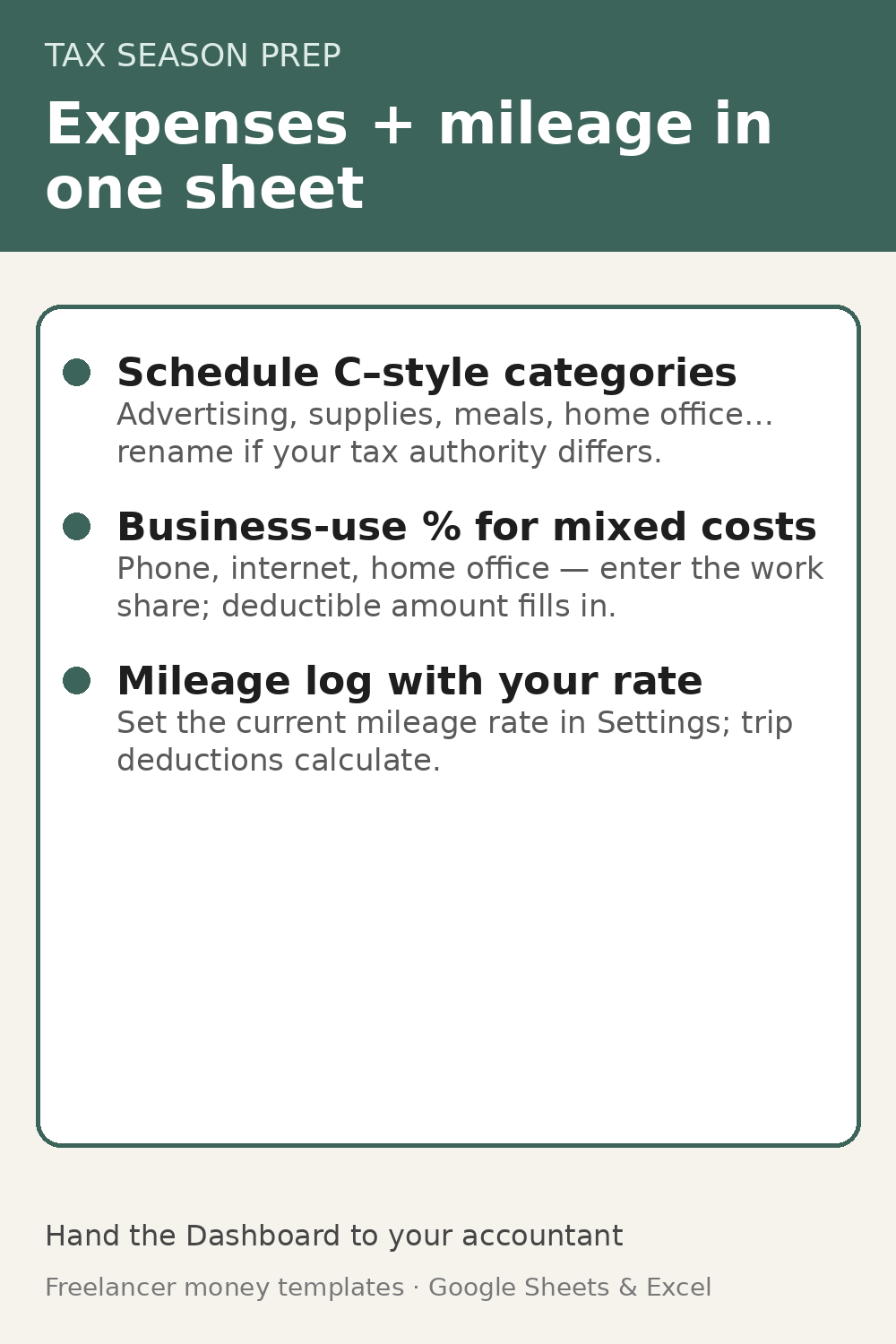
| Categories + one-month Expense Log + Start Here | Full-year Expenses · Mileage · Settings · Dashboard |
| Proves category + % quality | Breadth: year rollups and mileage rate — not unlocked cells on the sample |
If the free sample is missing what you need, open a GitHub issue with one word: SCHEDULEC · MILEAGE · DASHBOARD. Silent downloads do not tell us what to build next.
Download
Get free Expense Category .xlsx ($0) Get Expense Tracker ($5) Bundle ($12) Trust hub / all free samples Repo
FAQ
- Do freelancers need QuickBooks to categorize expenses?
- No. A one-month spreadsheet with Schedule C–style categories and a business-use % column is enough to see spent vs deductible before you buy accounting software. Move to QuickBooks or similar when you need multi-user books, bank sync, or accountant handoff — not to start labeling receipts.
- What expense categories should a solo freelancer use?
- Start with common Schedule C (Form 1040) line labels: advertising, office expense, supplies, utilities, travel, meals, phone/internet, software, professional services, and education. Keep the list editable; rename for your jurisdiction. The free sample ships with these labels preloaded.
- How do I handle partial business use like phone or meals?
- Log the full amount, then set business-use % so deductible = amount × %. On the free sample EXAMPLE: phone at 60% and meals at 50% turn $422.69 spent into $369.69 deductible. Adjust % to your facts; this is not tax advice.
- Where is the free freelance expense category spreadsheet?
- Download Freelancer-Expense-Category-Sample.xlsx from the SirMem/freelancer-expense-category-sample GitHub repo ($0). EXAMPLE hand-check: spent $422.69 · deductible $369.69. Not tax or accounting advice.
Disclosure
Built by Kevin with an AI assistant for packaging. Spreadsheet guidance only — not accounting, tax, or legal advice. No earnings claims. Category labels follow common public US IRS Schedule C vocabulary; rename for your jurisdiction. AI-assisted build disclosed. Public ledger: freelancer-money-sheets.